All features in one integrated solution
Using POS, Table Order, and kiosk separately?
Cut costs, reduce errors, and get unified support.
Experience efficient order management and smooth operations.

Using POS, Table Order, and kiosk separately?
Cut costs, reduce errors, and get unified support.
Experience efficient order management and smooth operations.
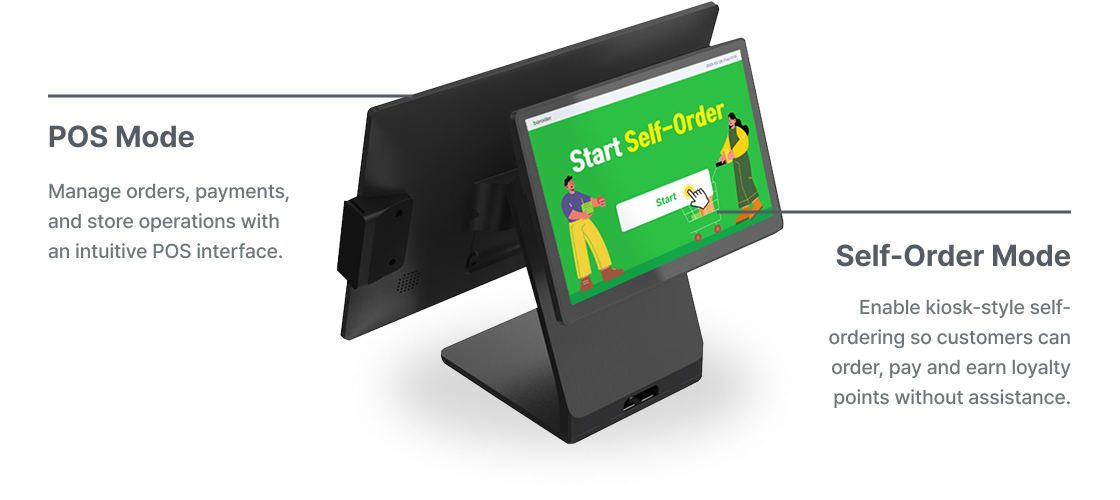
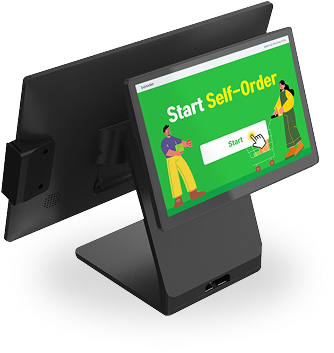

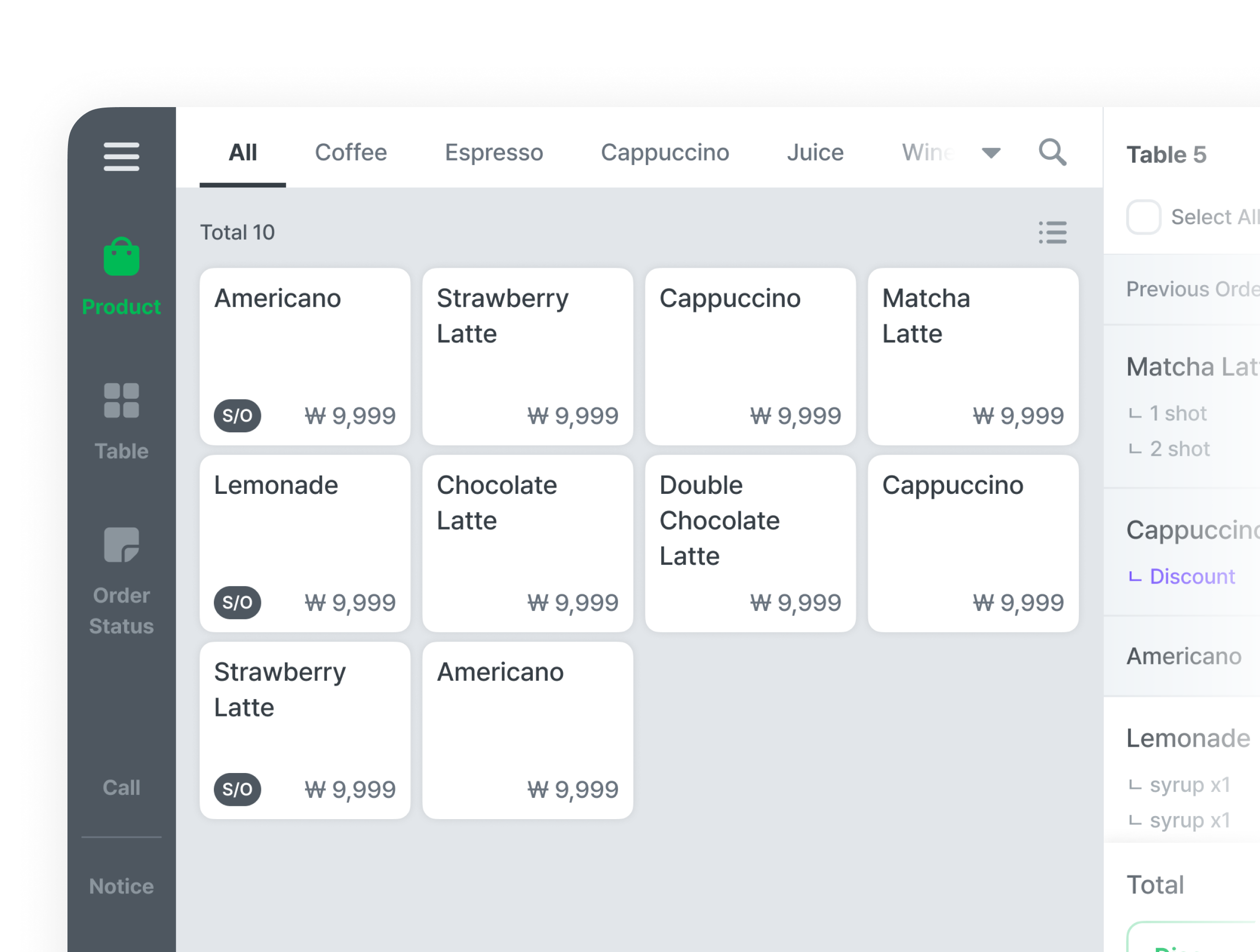
Take orders fast with a simple, intuitive UI, and add or edit diverse menu items with ease.

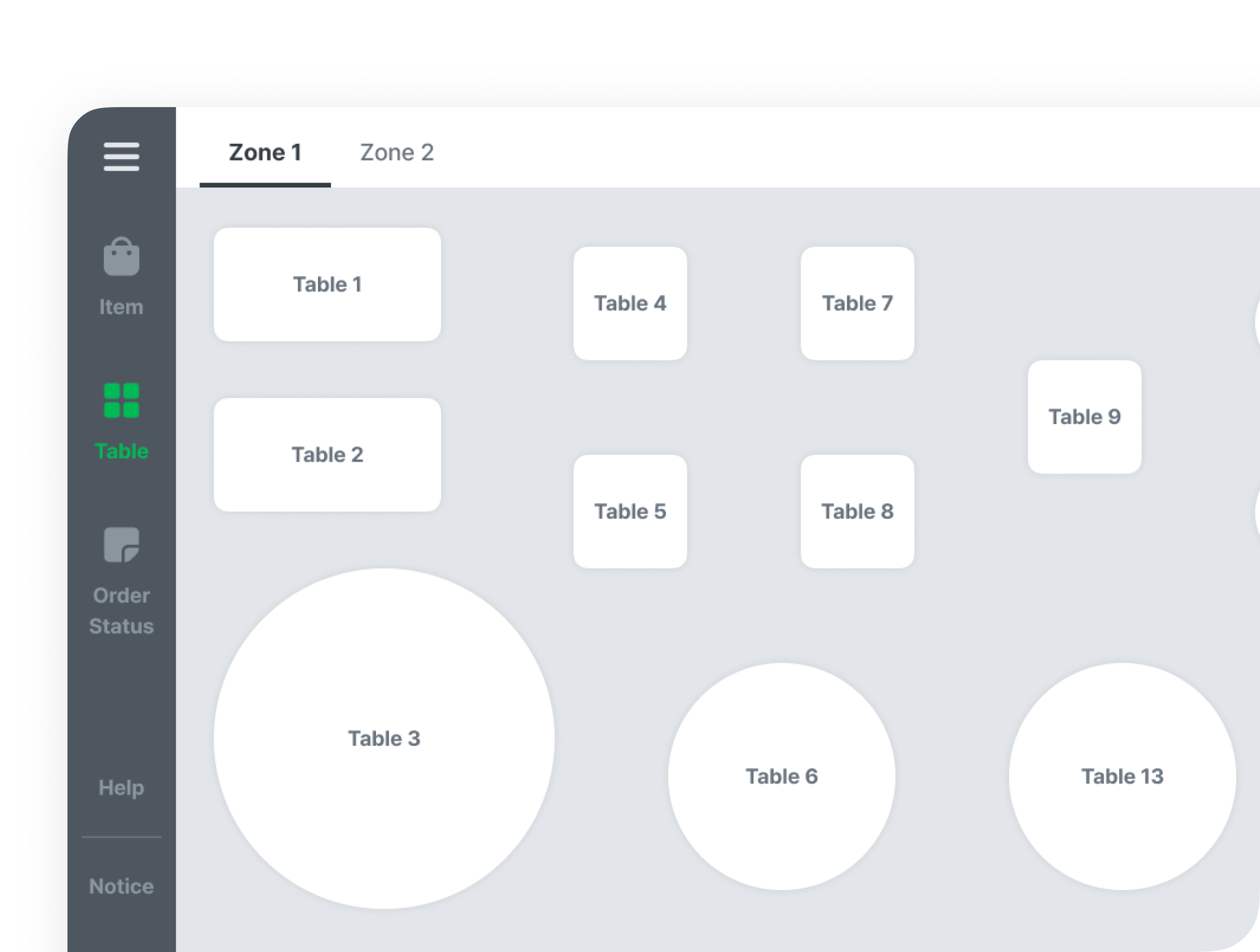
Create layouts that reflect customer flow and operational efficiency, implement them easily, and manage orders conveniently.

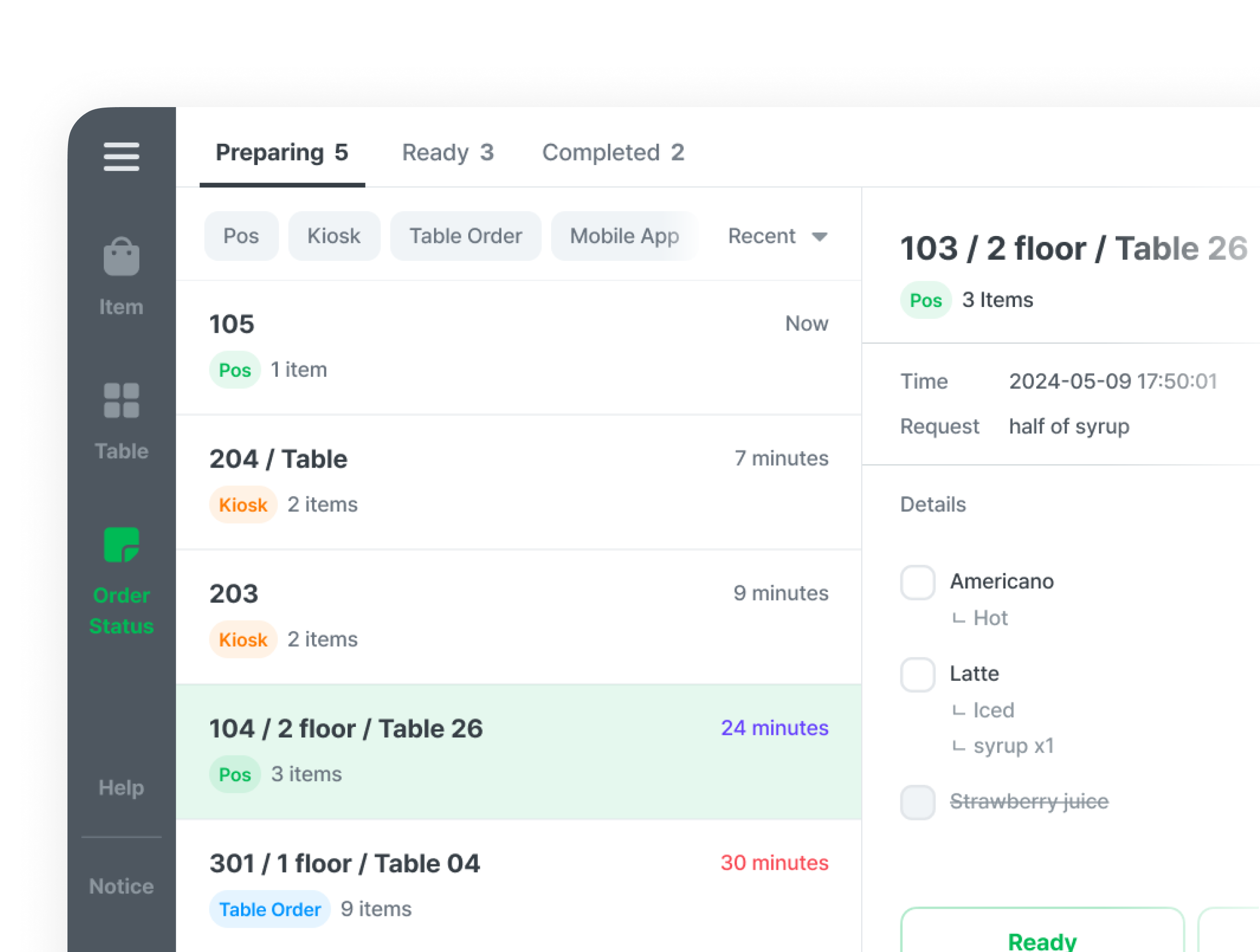
Manage every order from POS, Table Order, and kiosk in one place, for more efficient operations.

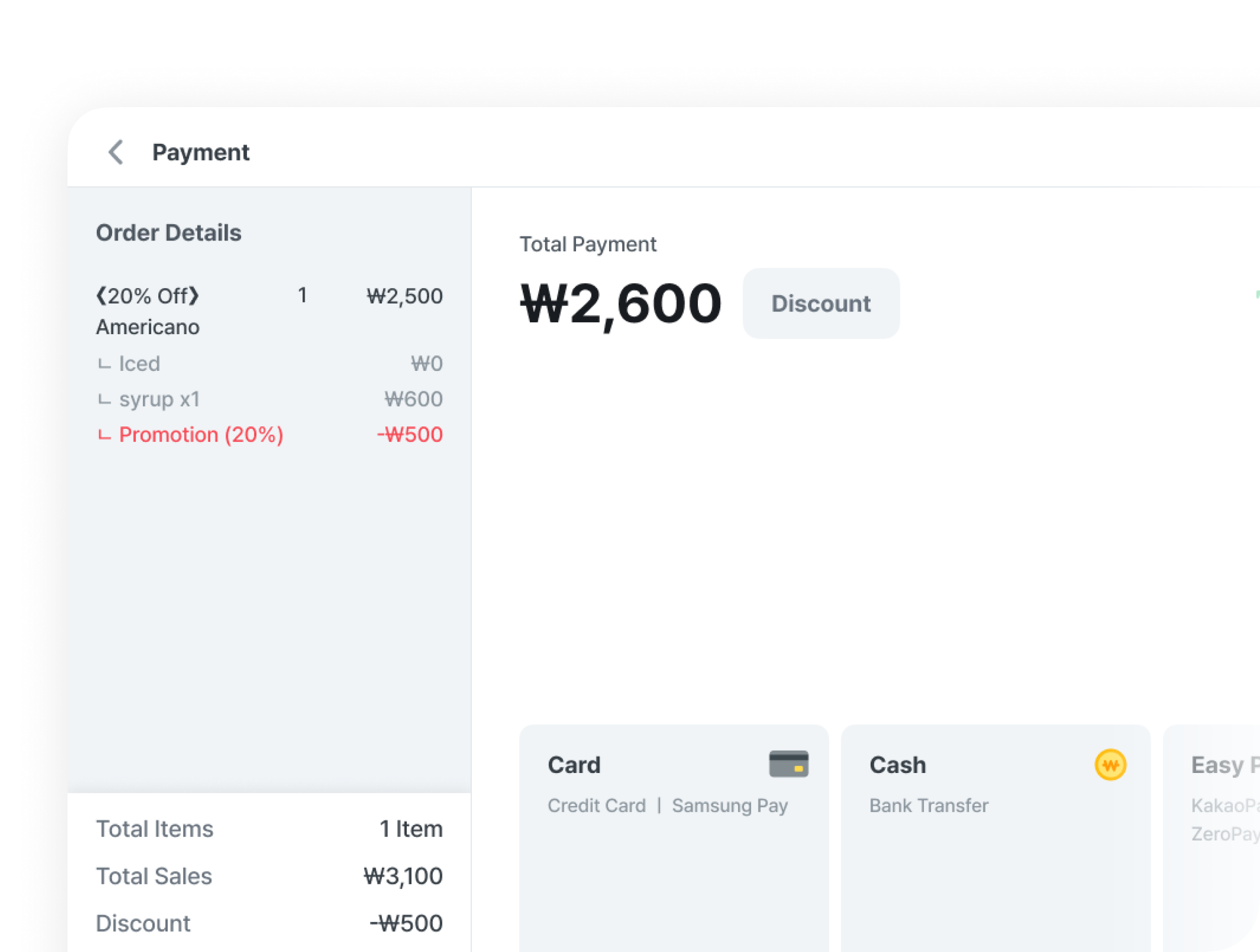
With flexible split payments by amount, party size, or items, plus multiple payment methods, meet customer needs and improve checkout ease.
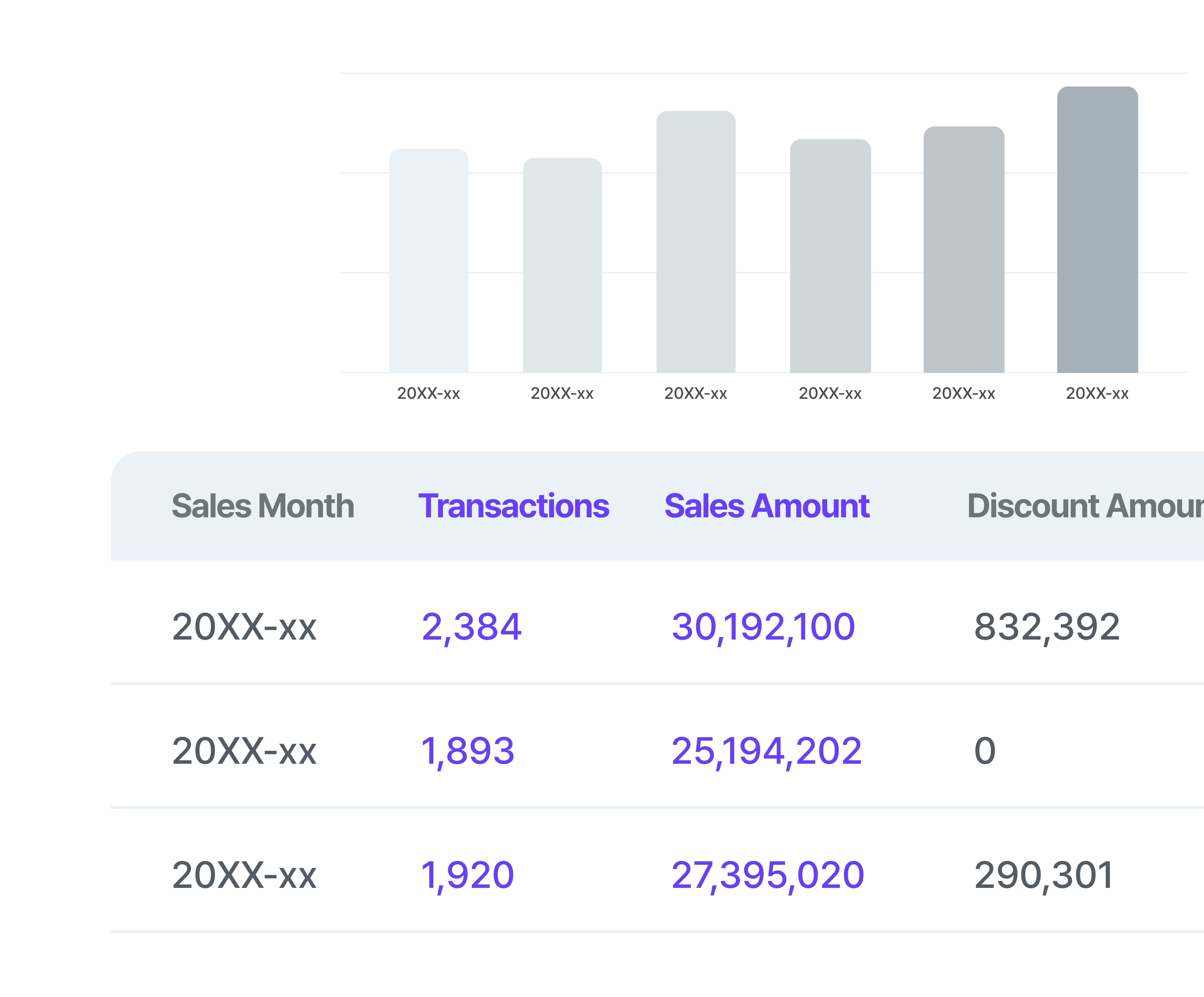
View sales in real time via the Baroder Partner Center, and use the data for menu analysis, customer marketing, and more.
* Provides hourly, item-level, and detailed sales reports
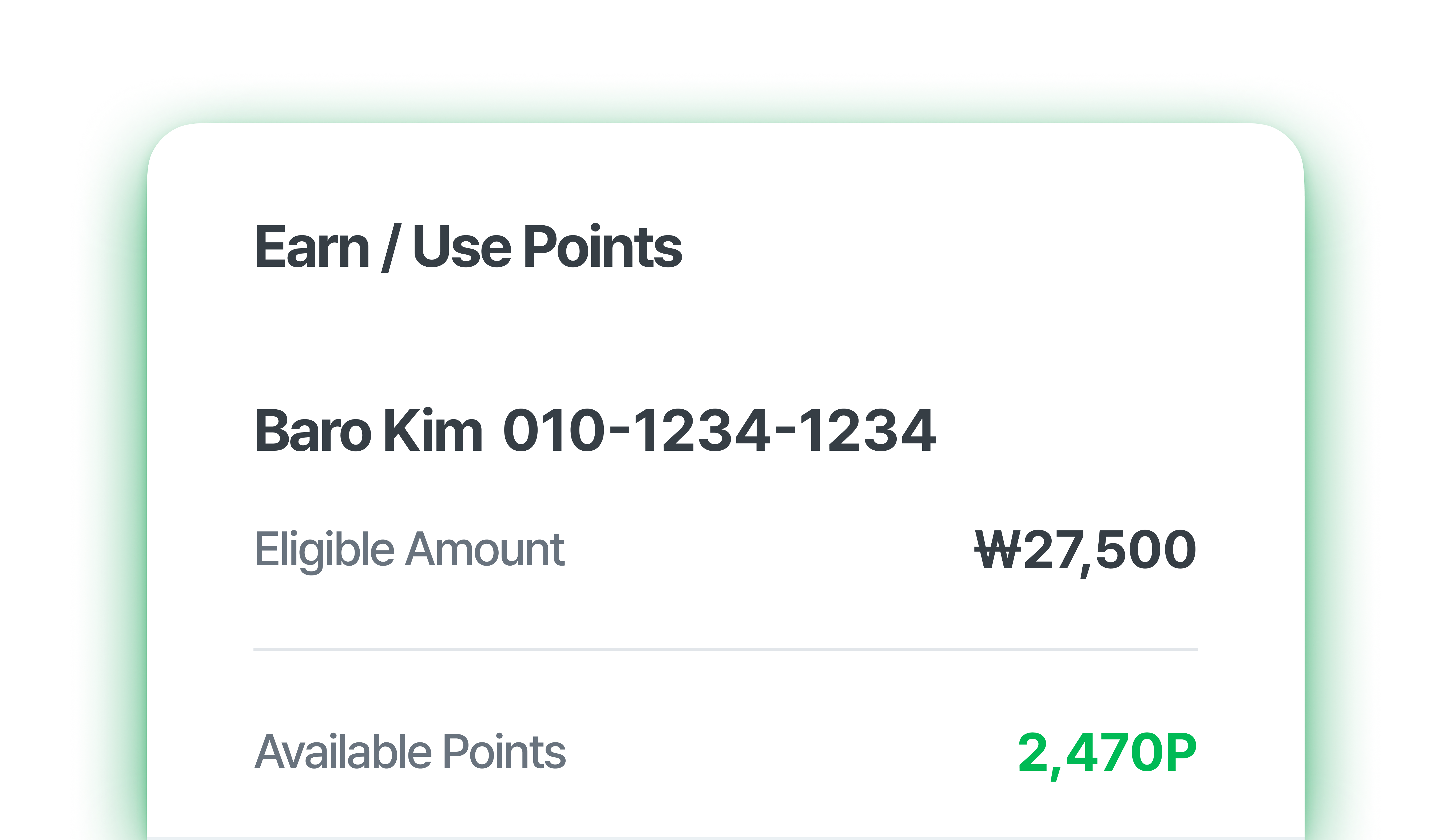
Check earned stamps and points
in real time.
Set how points and stamps are earned
to match your store.
Use built-in loyalty to manage customers and grow regulars.
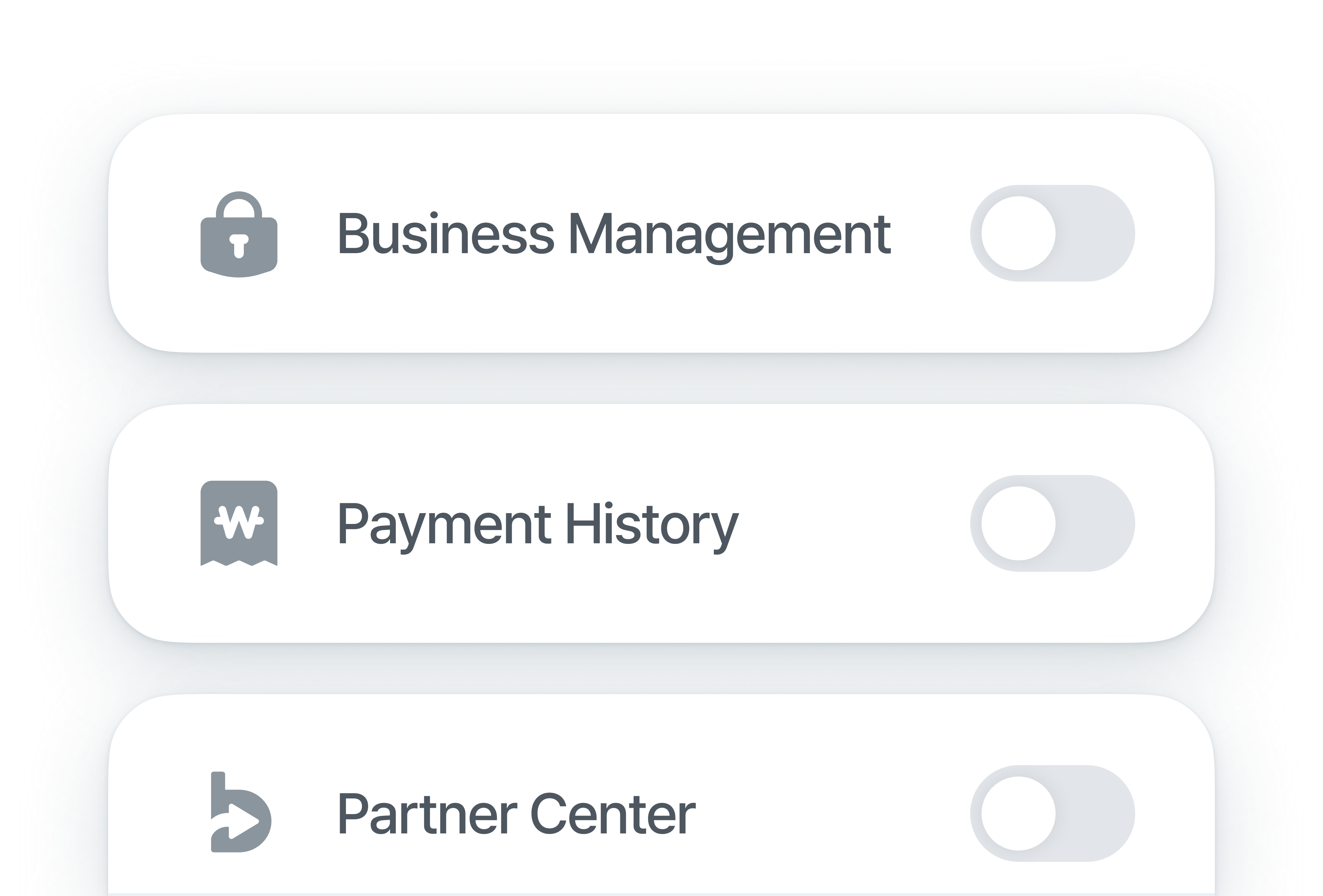
Use menu locks to control access per screen and protect sensitive information.
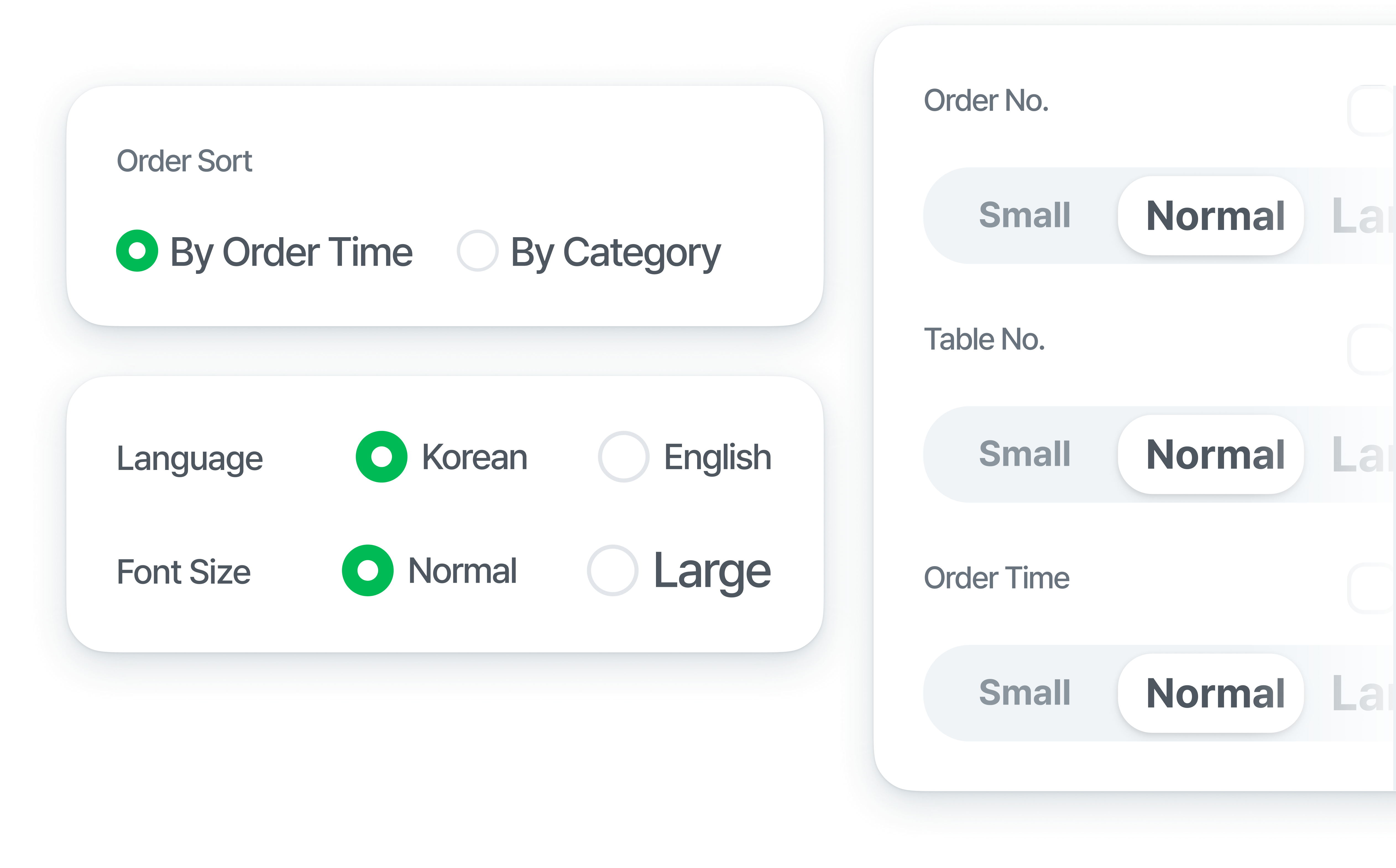
Adjust settings like font size and custom text
to print
store-tailored receipts and
kitchen order tickets.
Adjust settings like font size and custom text
to print
store-tailored receipts and
kitchen order tickets.
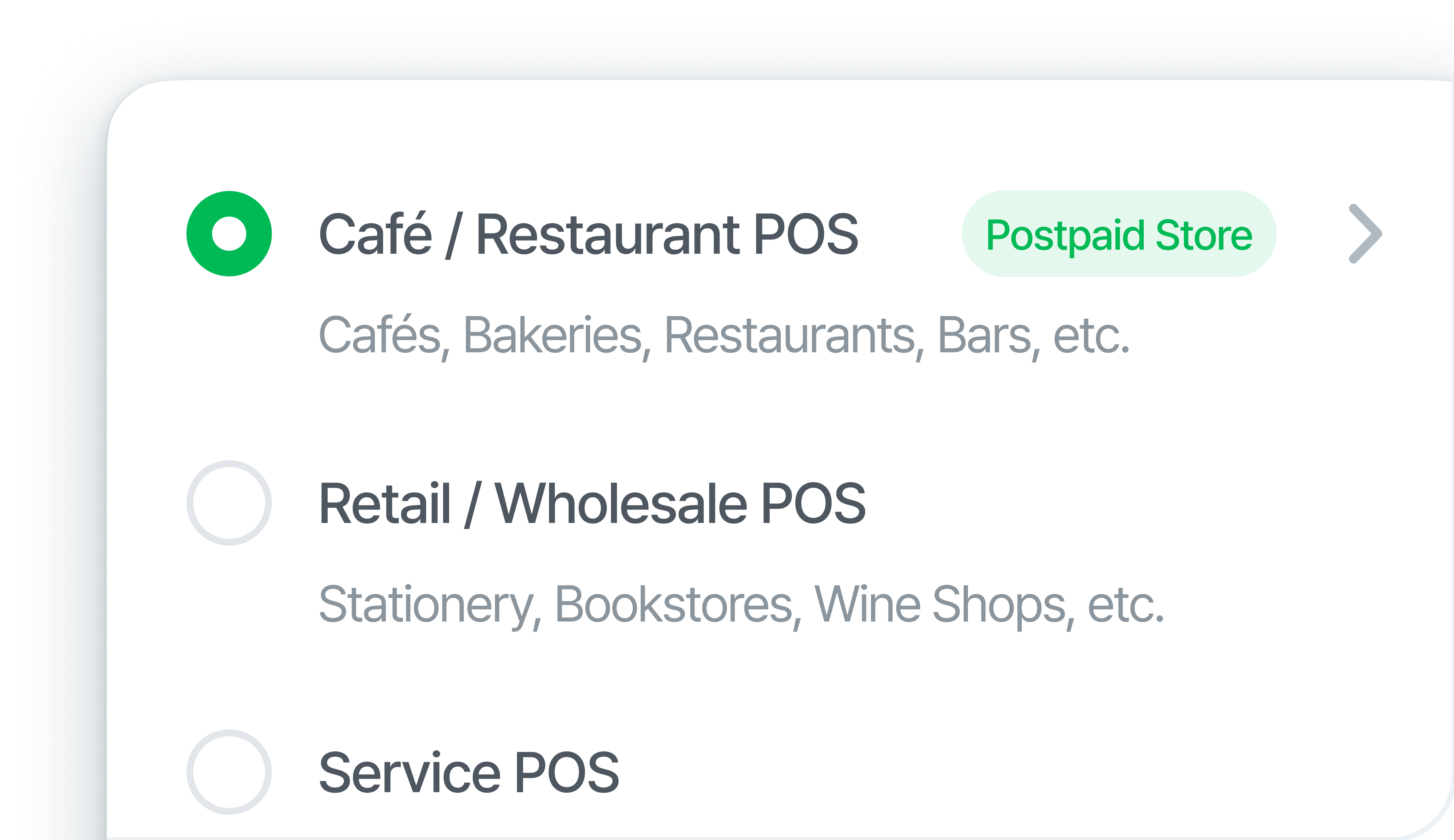
Choose the store type that fits your operations,
and key screens are auto-configured
so you can use only what you need.
Choose the store type that fits your operations,
key screens are auto-configured,
so you can use only what you need.
Yes. Baroder POS is provided free of charge.
Use a wide range of store-management features without fees.
Yes. Baroder POS is provided
free of charge.
Use a wide range of store-management
features without fees.
Currently available on Android 11 or higher. Support for iOS and Windows is in development.
Currently available on Android 11 or higher.
Support for iOS and Windows
is in development.
Payco, Kakao Pay, Naver Pay, and Zero Pay are supported. (Availability may vary by connected VAN.)
Card acquiring setup is also supported at no additional cost.
Payco, Kakao Pay, Naver Pay, and Zero Pay
are supported.
(Availability may vary by connected VAN.)
Card acquiring setup is also free.
Baroder provides payment services via VAN contracts, not PG contracts.
Only card fees apply; there are no additional fees.
Currently integrated VANs include KIS, KCP, KICC, NICE, SMARTRO, KSNET, and KOCES,
and we plan to expand integrations with more VANs.
Baroder provides payment services via VAN contracts, not PG contracts.
Only card fees apply; there are no additional fees.
Currently integrated VANs include KIS, KCP, KICC,
NICE, SMARTRO, KSNET, and KOCES,
and we plan to expand integrations with more VANs.
Customer Support operates as follows.
Call center hours: Weekdays 09:00 ~ 22:00, Weekends and holidays 09:00 ~ 18:00
Call center number: 1833-6990
If you have any questions, we will be happy to assist you.
Customer Support operates as follows.
Call center hours
Weekdays 09:00 ~ 22:00
Weekends and holidays 09:00 ~ 18:00
Call center number: 1833-6990
If you have any questions,
we will be happy to assist you.