02)403-6990
Call the Baroder Sales Support Center
for faster assistance.

Discover the benefits of Table Order, delivering a better ordering experience
and greater efficiency for both customers and store owners.
No need to wait for staff. Browse the menu at your table, take your time, and review your order yourself to ensure accuracy.

Real-time order routing improves kitchen efficiency, speeds up serving, boosts customer satisfaction, and saves labor and time.

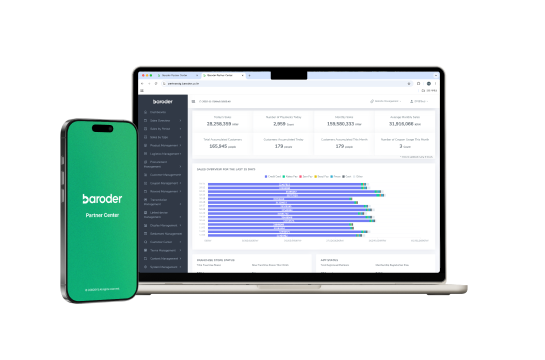
The Baroder Partner Center not only manages members and products, but also supports marketing tailored to each store—such as coupons and point events— powered by customer data to build loyal customers.
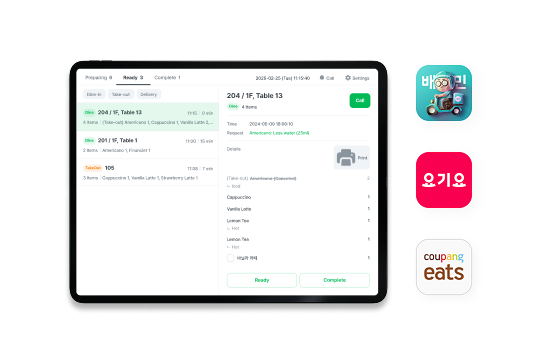
Baroder POS officially integrates with major POS providers, consolidating orders from delivery apps like Baemin, Coupang Eats, and Yogiyo together with in-store orders.
Zero missed payments. With one-step order-to-payment, the prepaid model is ideal for high table-turnover stores.
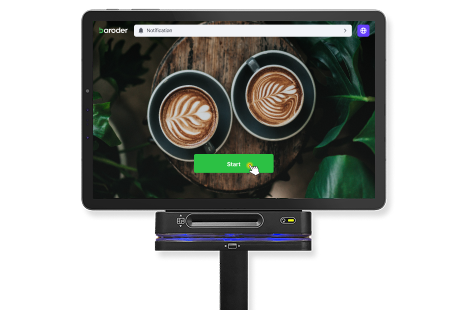
Order at the table and pay directly to the counter/owner. The postpaid model suits stores with many add-on orders.
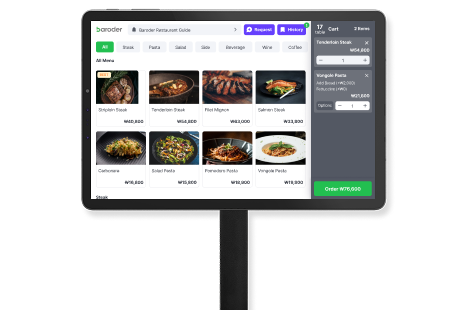
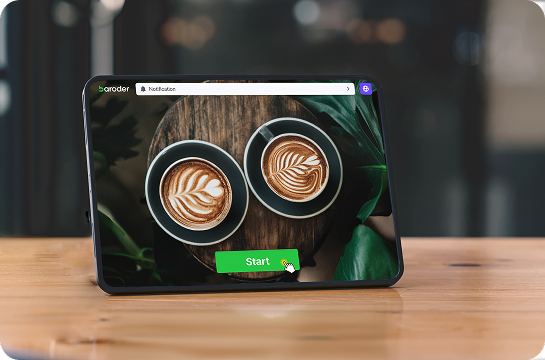

When launching a new menu or running an event
use Table Order as a promotion screen
to boost visibility.

For international customers
provide service content in three languages
with built-in multi-language support.

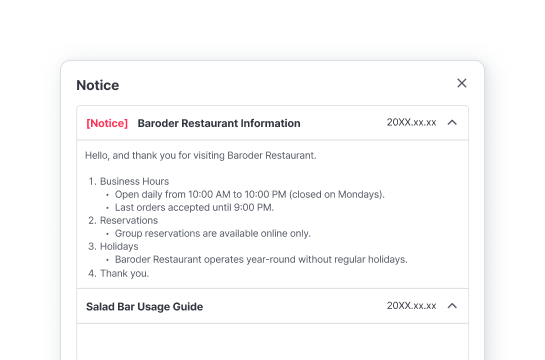

Post the messages you want to share
directly to guests.
Deliver key information with ease.

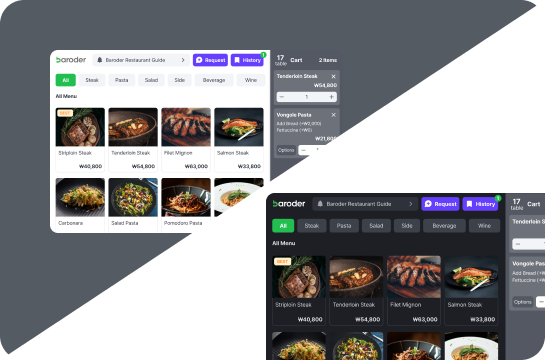
Select between Light and Dark modes
and pick the theme that best matches
your ambiance or food photos.

During incidents or at closing time
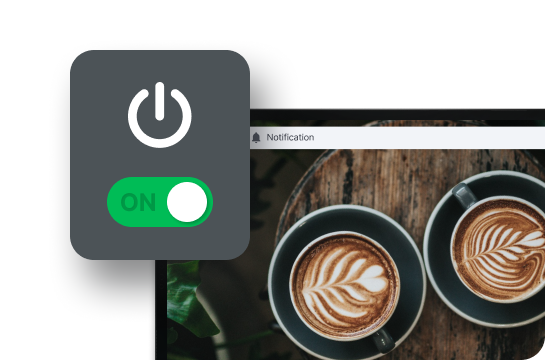
control all Table Order devices in the store
at once from the Partner Center.